Our Client Booking Process

Open the Link:
Clients taps on the unique booking portal link shared via our website, social media, or email/SMS reminders.

Log In or Register:
Clients log in using their email address as a username and create a password, or request to register as a new client. Click here to access the Booking Portal.

Select Location & Service:
The client then chooses the practice location and picks the session type or service (such as IME, Permanent Impairment Assessment).

Choose Practitioner & Time:
The client selects their preferred Medical Specialist from the available list and picks an available date and time slot.

Confirm:
Client then confirms who the appointment is for and completes online patient details.

Post-Booking Actions:
The client receives an instant confirmation of booking, and the system can automatically send intake or consent forms to complete before the patient's appointment.

Uploading of documents:
The client portal allows clients to upload files or scanned documents to their booking, which is then shared securely with The Impairment Specialists. Supported files include common documents, HTML, HEIC and zip formats. The file size limit is 30MB.
Compliance Assurance
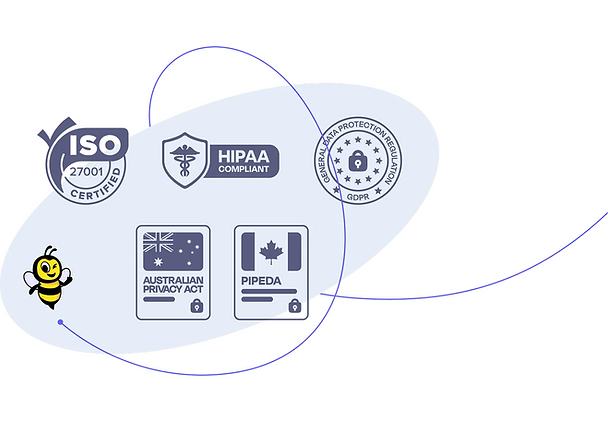
Our online booking platform is ISO 27001 certified, externally audited, and regularly assessed for compliance with all major global data protection standards, including HIPAA and GDPR. It is a trusted partner to health practices around the world as it meets the highest standards for security and privacy—so your data and patient uploads stay protected, and our practice stays compliant.